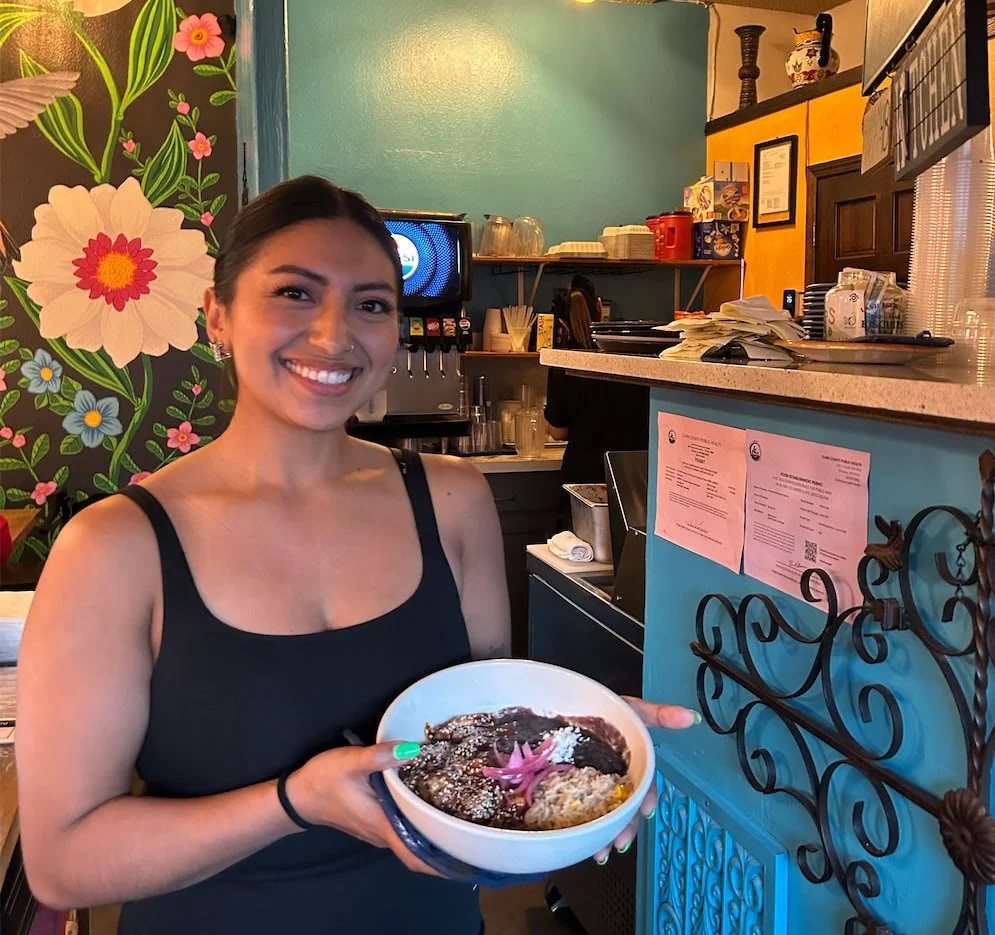
When I worked as a server, I spent a lot of time answering the phone while trying to keep up with the restaurant rush. So I understand why owners want online ordering to do more than put a menu on a screen. It should make ordering easier for customers and take some of the busywork off the team while at increasing sales for the business.
I’ve used Square since 2018, when I started my own business. I’m also a Square Solutions Partner, and my family’s Mexican restaurant uses Square. For many small independent restaurants, food trucks, and bakeries, it’s the first platform I’d look at. But the best online ordering platform for your restaurant depends on how your menu works, what you need to track, and how your team handles orders.
Best online ordering platforms for restaurants at a glance
| Platform | Best fit | What to know |
|---|---|---|
| Square Online | Small to medium-sized restaurants, food trucks, and bakeries, especially those already using Square | The Free plan has no monthly subscription. Online payment processing fees still apply. No POS required. |
| Toast | Restaurants looking for a restaurant-focused POS and ordering system | Online orders integrate with Toast POS. Get a full quote for your hardware, software, and add-ons. |
| Clover | Restaurants already using Clover | Check that its menu and modifier setup fits your needs before you commit. |
Square Online: a strong fit for small restaurants and bakeries
Square is my starting recommendation for many independent restaurants, food trucks, and bakeries. If you already use Square at the counter, online orders can flow into the same POS system. That means you can manage in-person and online sales in one place instead of adding another tool to keep an eye on.
Square’s Free plan has no monthly subscription fee, and you can publish a site using a free square.site subdomain. You still pay payment processing fees when customers order online. Square currently lists 3.3% + 30¢ for online payments on its Free plan; check Square’s pricing page for current rates.
Square also offers direct ordering through your online ordering website and cashapp profile. Here’s the delivery detail, I see many restaurant owners overlook: Square doesn’t charge a separate commission for connecting its online ordering to delivery platforms like doordash and ubereats. If you choose on-demand courier delivery, the delivery service provider charges a delivery fee.
That fee may be paid by the restaurant or passed on to the customer, depending on how you set up delivery. Online payment processing fees still apply. See Square’s on-demand delivery pricing policy.
A real example: setting up bakery bundles in Square
We helped Sugar Cubed, a bakery in Gresham, Oregon, improve its online ordering workflow. One of their products was a $5 cupcake. They wanted to offer discounts for buying two or more, with a bigger discount when someone ordered a dozen. We set up those bundle options in Square.
We also organized their signature cakes so customers could choose a size and flavor. Since different items needed different amounts of prep time, we set those up too. Some cakes needed two days’ notice; other products needed less.
After the changes, they saw more direct orders, easier reporting, and higher order totals. That’s one client’s experience, not a promise that every bakery will get the same results.
But it shows why a well-built menu matters. Customers can choose what they want, and the team gets the information it needs to prepare the order. And you as the owner feel confident knowing you’re not getting incomplete orders or orders placed outside of times you can fulfill.
2. Toast: a restaurant-focused option
Toast is designed specifically for restaurants. Its online ordering integrates with Toast POS, and Toast offers commission-free direct ordering, plus delivery fulfilled by local drivers for a flat fee per order.
Toast may be worth comparing if your restaurant needs a more restaurant-focused system or wants to manage several parts of the operation in one platform. Pricing depends on the plan and setup, so ask for a complete quote that includes hardware, software, online ordering, delivery, and any add-ons.
My advice: compare the full cost and the features you’ll actually use. A platform can look like a great deal during a demo, but what matters is how it fits your restaurant’s day-to-day workflow.
3. Clover: consider it if you already use Clover
Clover offers online ordering for pickup and other restaurant workflows. In the Clover setups I’ve worked with (here’s an example for El Cuate), I found Square more flexible for creating bundles and nested modifiers. That’s my experience with the configurations I’ve handled, so I’d test your own menu before ruling Clover in or out.
Clover says its online ordering solution has no setup or subscription fee. Your POS hardware, software plan, and payment processing are separate costs to review. Ask your provider for the full pricing and test the menu options you rely on.
What to look for in an online ordering platform
1. POS integration
This is at the top of my list. If your online orders, in-person sales, and menu live in the same system, it’s easier to manage everything and review your sales. Also it becomes the central hub where your customer data lives (both for you in-person and online sales) as well as your sales reporting. Restaurants find it super helpful to have built-in marketing tools inside Square as well that can help food businesses promote in-store visits as well as online ordering.
2. Menu and modifier options
Your online menu should match how people actually order. Can customers choose sizes, flavors, toppings, or add-ons? Can you set required choices and charge the right price? Can you offer bundles or discounts?
Square supports modifier sets, including nested choices, and modifier sales reports. It also reports item and variation sales separately. Square notes that its current nested modifier reporting shows individual selections but not the parent-child relationship between them. If reporting matters to you, decide how you want to track products and add-ons before building the menu.
3. Prep times and order alerts
Make sure customers can’t order an item faster than your team can prepare it. Then test how new orders show up in the POS, on kitchen tickets, and in staff notifications.
4. Fees beyond the monthly price
A plan with no monthly fee, (almost always) will have payment processing fees. Delivery may also involve a fee from the courier. Compare the full cost of the orders you expect to receive, not just the subscription price.
5. Photos that make people hungry
Please include photos. People eat with their eyes. A clear picture can help customers understand what they’re ordering and make your menu feel more inviting.
What restaurant owners on Reddit say to test before launch
In a Square Online reddit post I came across (here’s a good post re: square), one cafe owner said that orders reached the POS easily, but online menu settings could be confusing. They recommended placing a test order and making sure staff notice when one comes in. Another restaurant owner described menu synchronization and support problems across multiple locations.
Toast users also reported mixed experiences. Some said online ordering made pickup easier and fit into the kitchen workflow. Others described orders that appeared to charge a customer without reaching the restaurant. That’s another reason I always recommend a test order before launch. Check that the order, payment, ticket, and alert all work as expected.
Before you launch, test your actual ordering process:
Place an order from a phone.
Confirm it appears in your POS and reaches the right printer or kitchen display.
Check that the right staff member gets an alert.
Test modifiers, bundle discounts, prep times, and item availability.
Review the reports you plan to use.
Confirm how payment processing and delivery fees work.
So, which online ordering platform should you choose?
For many small independent restaurants, food trucks, and bakeries, I’d start with Square Online, especially if you already use Square.
It has a no-monthly-fee plan, a free square.site subdomain, direct ordering, and POS integration. Just remember that online payment processing fees still apply, and on-demand courier delivery has a fee from the delivery provider (which you can pass on to your customers).
Toast may be a better fit if you want a restaurant-focused system with its own POS and ordering tools. Clover may be a good option if you already use it and its menu setup supports the way your business sells. Compare each platform using your actual menu and workflow.
And if your current system is working, don’t switch just because another platform looks good in a demo. Changing POS systems takes time, staff training, and careful menu setup. Try the features you need first.
Try Square
I’m Lili, a Square Solutions Partner (find us on the directory here). I’ve used Square since 2018 and use Square at my family’s Mexican restaurant. I also train food entrepreneurs through nonprofit programs such as Fourth Plain Forward.
Through my affiliate link, eligible new sellers can get processing fees waived on up to $3,000 in sales for 180 days. Check the signup page for current offer details and eligibility.